Television viewing has been quite different as people seek a way of enjoying their favorite entertainment in a flexible manner. The traditional subscription packages via cable are not always flexible enough to give you everything you desire nowadays. This is where IPTV Subscription comes in handy. Through the internet provision of television programming, IPTV provides you another option on how to watch through compatible devices. Having complete knowledge of all of its features, pricing and installation requirements will certainly help you.
What Is an IPTV Subscription and How It Works?
IPTV stands for Internet Protocol Television and is simply the broadcasting of television through the internet as opposed to the normal cable and satellite channels.
There are three major components in this process:
- Content delivery: The television program content is delivered by the service provider via their servers.
- Internet connectivity: The streaming content is carried via your network connection
- Suitable device: TV set, streaming box, mobile phone or computer for viewing the content.
When you sign up for your package, you will be provided with the activation information, which you will input into your compatible application to access the available content.
Why Are More Viewers Considering IPTV Services?
Convenience is one of the main factors that has made people start watching television on the Internet. One can be flexible about accessing IPTV.
1. Flexible Viewing Across Devices
Based on the provider, IPTV is compatible with different devices:
- Smart TVs and Android TVs
- Amazon Fire TV.
- Android phones and tablets
- Computers and laptops.
This way, people can access their content without being tied to one particular television.
2. A Wider Range of Entertainment
Several companies provide international channels, regional channels, movies, TV shows, documentaries and children’s programs. Each package varies in its content offering; you should check the content catalogue before buying.
3. Convenient Access and Account Management
Most providers provide the user with log-in data that is needed for an IPTV box. Once the box is installed, there will be no need to install it again.
What Should You Check Before Choosing an IPTV Provider?
All service providers do not offer similar levels of service. There is a need to compare the important aspects and not rely only on cost.
| Feature | What to Check |
| Content Library | Available entertainment categories |
| Streaming Quality | HD and 4K support |
| Device Compatibility | Supported devices |
| Server Stability | Consistent playback |
| Customer Support | Technical assistance |
| Pricing | Package and renewal terms |
| Security | Secure payment methods |
A good IPTV service should contain all the features and technical characteristics listed clearly. Also, it would be worth considering if you could try the service for some time.
IPTV Subscription Plans and Pricing
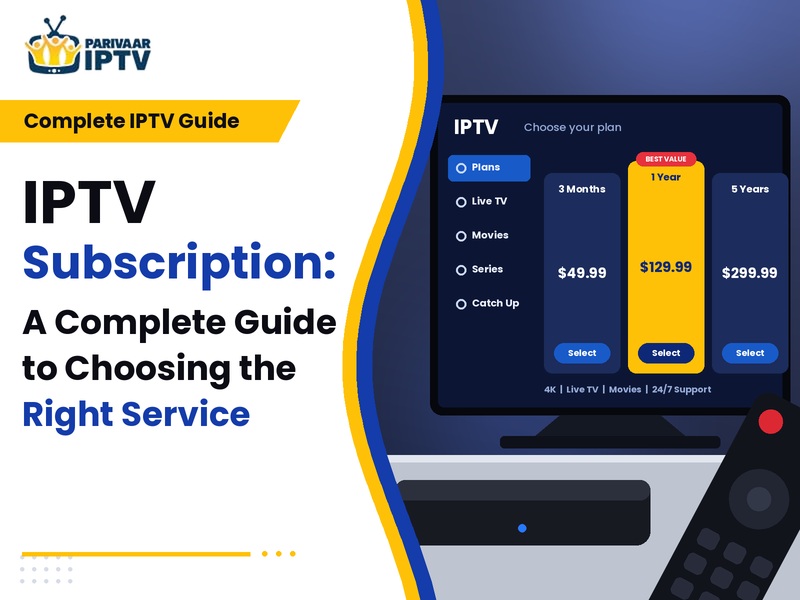
Providers provide options for subscribers on either a monthly, quarterly, or yearly basis. The price depends on the type of subscription and its contents and features.
Some of the options you should consider before buying include:
- Monthly subscriptions: Best suited for people who seek short-term subscriptions.
- Quarterly subscriptions: Provide the middle ground between time and flexibility.
- Annual subscriptions: Can be more economical for frequent subscribers.
- Hardware bundle: Provides the appropriate hardware together with the chosen subscription.
Always remember to look at the conditions regarding renewability and cost of additional equipment. With an extended subscription, your monthly cost could be lower, although trying out the product is a smart thing to do.
Should You Buy IPTV Subscription with Box?
The streaming box may come in handy when your television set doesn’t have the applications that are needed for your service provider.
Buy IPTV Subscription with Box and find out what comes with the package. However, another device may be unnecessary if your current Smart TV or streaming player has the application needed.
It is important to note the specifications of the device as well as the applications, installation and accessories.
How to Get Started With an IPTV Service
The procedure for establishing it is not complicated; nevertheless, the process to be followed depends on your hardware and service provider.
Step 1: Check Your Internet Connection
Having a stable broadband connection helps avoid the problem of buffering. 15 Mbps would be enough to stream HD videos while over 25 Mbps would be needed to stream 4K videos.
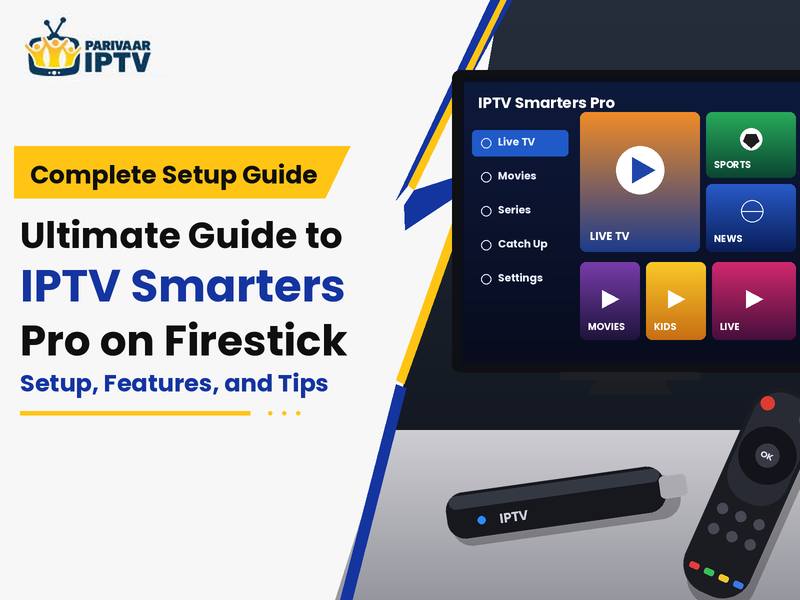
Step 2: Select a Compatible Application
Download an IPTV player which is compatible with your system and provider. Find out if the application needs any additional license.
Step 3: Enter Your Activation Details
Enter your login details or playlist data supplied by your service provider.
Step 4: Test the Service
Verify the quality of playback, channels and categories and the performance of the application itself.
Is an IPTV Free Trial Worth Trying?
By conducting a trial, you have the opportunity to test the provider prior to committing yourself to a bigger package of services.
In the course of an IPTV Free Trial, consider the following issues:
- If the choice of content corresponds to your wishes.
- The speed of loading content.
- The stability of its playing.
- The compatibility of the software with your device.
- The responsiveness of customer service.
Conditions and duration for this trial period vary from provider to provider. It is important that you find out the conditions in advance, particularly if you are required to submit your payment details.
Final Thoughts
Selecting a particular Internet TV package would be based on how well it would suit you and your device. Make a comparison of various factors like stream quality, content availability, customer services and renewal before making the selection.
An appropriate IPTV Subscription can give you convenient entertainment without depending on the conventional TV network through various devices.