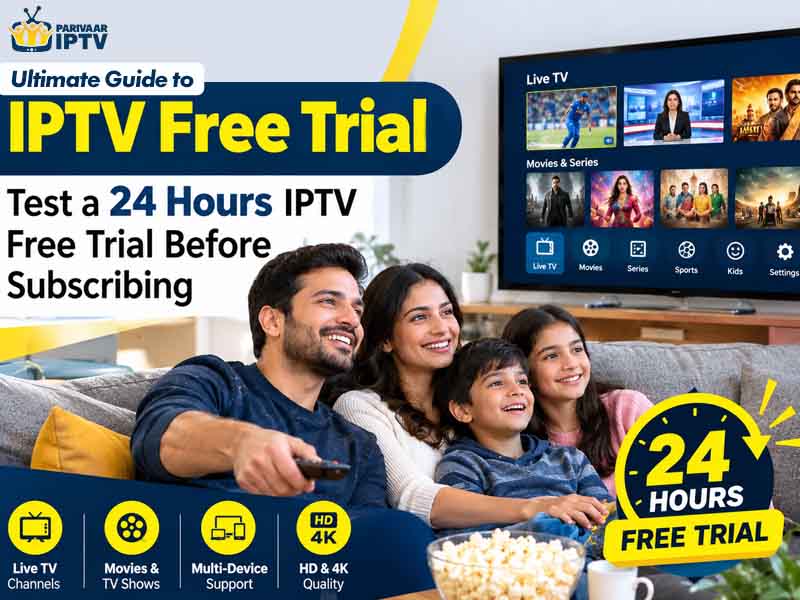
My friend had subscribed for three months to the IPTV streaming service on the promise of 900 channels that were displayed on the sales website. He could only access nine channels out of all of those; two channels did not work at all. Complaints about a refund went unheard. This situation is typical and it is entirely preventable. If you’re considering an IPTV free trial, the below pages contain everything you need to know about checking, questioning and exiting.
What Is an IPTV Free Trial?
IPTV means Internet Protocol Television. TV programs are delivered using your broadband rather than cables and rooftop dishes. During a trial period, you are given temporary access, usually free of charge, which allows for testing of the service in your own home and on your own television screen.
Sometimes you get twelve hours, but generally, one day is enough. It is just enough time to watch a program on a weekday evening, a match and have a lazy morning.
Why Testing First Makes Sense
- Your broadband may be simply too slow to stream the movies available.
- The channel which you always watch on Sundays may not be there anymore.
- The quality of the picture promised and the actual picture may be totally separate.
- It is much easier to evaluate support when no money has been paid yet.
- Even if the service fails, you do not risk anything but a couple of hours.
Why Choose a 24 Hours IPTV Free Trial?
The short demo fails to show all the issues. Usually, servers experience difficulties when they have the spotlight on them, which happens at night time, so not testing during those times tells nothing. A whole day gives an opportunity to experience that load personally and even use another gadget and contact customer service at night.
A day is too short to be sure that the service will be reliable for six months. But what the Free Trial IPTV offer can do is reveal all the failures right away. It is like the first interview.
How to Start a Trial Step by Step
An actual IPTV trial should take no more than 10 minutes to complete. The steps include:
- Finding a provider who lists the company name and contact information.
- Submitting a request on the provider’s site or via its customer support portal.
- Downloading an appropriate app for your Smart TV, Android box, stick or smartphone.
- Using the login credentials or playlist URL provided.
- Starting viewing right away, since the countdown timer usually begins once you activate the test.
What to Test During the Trial
Stream Quality and Stability
Select any one of the live TV channels and watch it for 30 minutes during the evenings. Count all freezes and times the voices lose sync with the image. Before testing the quality, perform a speed test. As a rule of thumb, SD channels require 5 Mbps, HD requires 10 Mbps and 4K requires 25 Mbps.
Channel and On-Demand Library
Put the channel selection list next to your personal viewing habits. Are your local TV channels there? What about sports, news and kids’ programs? Then try to watch some movies. They should start playing immediately.
Apps and Devices
Download the service or app onto all devices in the household. The fact that your Smart TV can play videos perfectly is not really useful if the mobile application keeps crashing.
Quick Scorecard
Have this table at hand when testing and record the date and time whenever there is a fault for an objective comparison.
| Feature | What to Check | Good Sign | Warning Sign |
| Streaming | Evening playback | Steady HD picture | Frequent freezing |
| Channels | Local and sports lists | Matches the advertised list | Missing channels |
| Program guide | Schedule accuracy | Correct times | Blank or outdated entries |
| Support | Response speed | Reply within hours | No reply at all |
| Pricing | Plan details | Clear terms | Hidden charges |
Red Flags to Watch For
There are some sellers whom you can best avoid. If you come across any of the below mentioned, then you must move away from them:
- Free Trial IPTV that asks for credit card information, but no mention is made of cancellation.
- Company name not listed, no mailing address or return policy details.
- Rates which are much lower than those charged by traditional service providers.
- Help available only through an online chat account with no identifying features.
- Claims of having tens of thousands of channels for very little money.
Legal and Safety Considerations
Licensing is far more significant than one could imagine. An online service that offers high-quality live broadcasts and movies for just a small part of what they actually cost does not have the broadcasting license, which means using it is illegal in terms of copyright in your country. Always look for those providers that clearly state their identity and what media they can possibly provide. Only download apps from verified stores and do not use passwords twice.
Making Your Final Decision
Towards the end of the process, you should go through your notes rather than relying on your memory. Rate stability, channels, video quality and support on a scale of ten each. If the service does well in all of those areas, then look into its business plan, billing cycle and refund policy. Begin by making IPTV Subscription plans on a monthly basis. It would not be easy to make a plan for a whole year after testing for just one day. When conducted the right way, an IPTV free trial gives you proof.