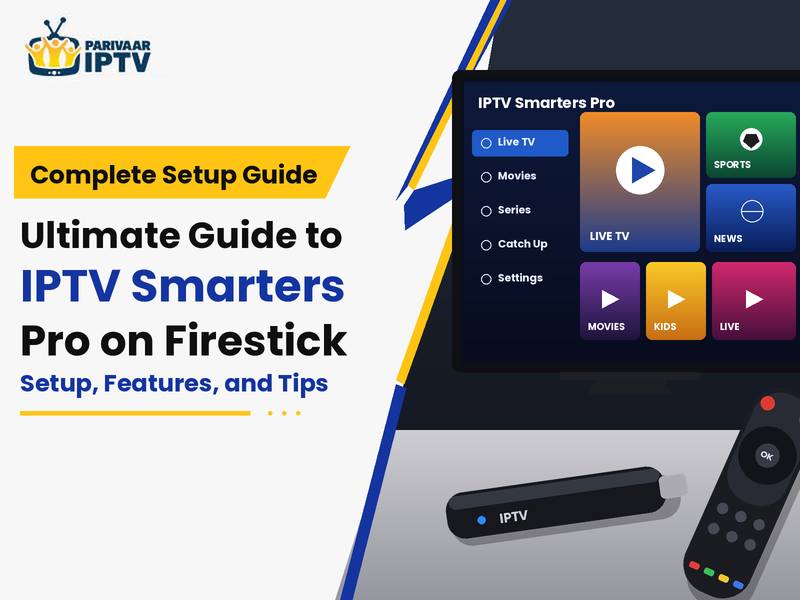
With IPTV Smarters Pro installed on a Firestick, you can watch all your live TV, movies, and series on one device. If you love English IPTV channels, sports, news, or local channels, in this tutorial, I will show you how to install IPTV Smarters, list its features, and share some common issues.
What Is an IPTV Player and How Does It Work?
An IPTV player is software that allows you to watch TV over the internet. It also may allow you to watch TV without having to go through a cable or satellite service.
One thing to take away is that the app and the subscription are two different things. Downloading an app does not necessarily give you access to live channels and movies. Most of the time, you have to obtain login information or a playlist from a provider who has permission to distribute the content.
For those of you who are Firestick users, an IPTV player will make viewing channels, listings, and shows extremely easy. Access to content will vary based on your subscription provider and app features.
How to Set Up IPTV Smarters Pro on Firestick
Setting up before installing this Fire Stick, connect it to Wi-Fi, and make sure it has enough space. For any subscriber account, be prepared to log in using your login details.
Step 1: Get Your Firestick Ready
Connect your Fire Stick to the HDMI port on your TV and go through the steps on the screen.
Step 2: Check if the App Is Available
Some Fire TV models support sideloading, which is the term we use for installing an app outside the Amazon Appstore. But not all models support sideloading. The Fire TV Stick 4K Select doesn’t have this feature, so make sure it does before you keep reading.
Step 3: Install the App Safely
For Fire TV Sticks that support sideloading, it is just a matter of following the developer’s steps and installing from a reputable file. You may need to turn on the source for installation in the device settings. Don’t take APKs from dodgy sites.
Step 4: Add Your IPTV Subscription
With the app installed, launch it and check for the login methods. Some versions can be logged in with either an Xtream Codes API login or an M3U playlist.
Select the login that you have used previously and type your information correctly. There should be no misspelling errors and unnecessary space in the server address.
If you can’t log in, make sure your IPTV Subscription is up and running. If it is, but you still get kicked off, get help from your provider.
Main Features to Look for in an IPTV Player
The features you receive may be slightly different according to the version of the app and the service you use. But several of these may assist when watching TV.
- Live TV channels: If you’re looking to jump straight to a certain news, sports, or entertainment channel, the navigation menu sorted by category will direct you without the scrolling.
- Electronic program guide: An EPG displays the programs if guide data is provided on your television.
- Movies and series: Some providers also offer movies and TV shows on demand, apart from access to live TV channels.
Common Problems and How to Fix Them
| Problem | What you can do |
| Login failed | Check your username, password, server URL, and subscription status |
| Channels won’t load | Refresh the playlist and check with your provider |
| Video keeps buffering | Test your Wi-Fi, restart your router, and try another channel |
| Black screen | Check another channel and restart the app if needed |
| Programme guide is empty | Check whether your provider has supplied compatible EPG data |
| App won’t install | Check device compatibility, available storage, and the download source |
Finding English IPTV Channels and Regional Content
Decide on channels before buying your IPTV subscription. We all have our preferences, where some users would want to only be exposed to international news, movies, sports, and entertainment in English.
Subscribe to an IPTV Service for specific channels, not because it offers thousands of them. First, see what channel lineup they have today and then decide whether they’ve got the channels you need.
While browsing through your options, find an honest list of what channels are in each package. Find out if the streaming technology is compatible with your system and whether the streams are legal in your country.
Final Thoughts on IPTV Smarters Pro for Firestick Users
Easy to install despite the ease of installation and use of the Firestick, ensure that your device conforms to the specifications, that you install from a trusted site, and that you enter your details correctly.
Don’t change your Firestick settings until you first disconnect and reboot your internet, should your stream become stuck. Also, ensure your provider offers your local channels, is in the right subscription plan, and is allowed to provide its content.
Also Read – https://parivaariptv.com/blog/iptv-free-trial-24-hours-before-subscribing/