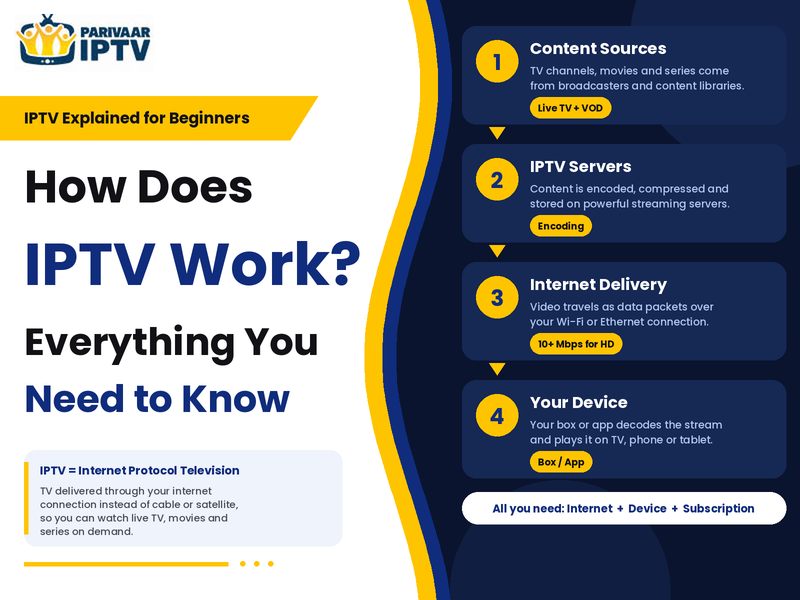
Lots of families across the USA are leaving cable behind and moving to IPTV. However, plenty of them still wonder how does IPTV work? It sounds like something only tech people understand but the idea is pretty simple. Your TV shows come through the same internet that runs your phone and laptop so there is no big dish on the roof and no thick cable running through the wall. Let’s go through it slowly so it all makes sense.
What Does IPTV Mean?
IPTV stands for Internet Protocol Television. The “internet protocol” part is just the set of rules that lets data travel across the web. When you open a website or watch a video on your phone, those same rules are doing the work. IPTV uses them to bring live channels and on demand shows to your screen.
Cable works like a one way street. Everything gets pushed down a wire to your home whether you watch it or not. IPTV is different because it only sends what you pick. Click a channel and only that channel travels to you. Open a movie and only that movie gets sent. That is one reason it feels so flexible.
How Does IPTV Work Step by Step?
Here is the full journey from the TV studio to your couch.
Step one, getting the content: The provider collects TV content from many sources. That means live broadcasts from different countries, movies, drama series, kids shows and so on. Some of it comes in live telecast and some is saved for later.
Step two, encoding: Raw video files are huge. If they were sent as they are, your internet would crawl. So the provider runs them through encoding, which squeezes the video into a much smaller size without wrecking the picture quality.
Step three, storing and managing: The squeezed content goes onto powerful servers. Live channels run through live servers and the movie library sits on separate servers made for on demand viewing.
Step four, sending it out: When you pick something to watch, the server breaks the video into tiny packets and sends them over the internet toward your home. Think of it like a long train made of small cars all carrying a piece of the show.
Step five, your device puts it back together: Your IPTV box, smart TV or phone gets those packets and rebuilds them in the right order. This is called decoding. The video then plays on your screen almost right away.
All of this happens in a few seconds and you never see any of it. You just press play.
How Does IPTV Streaming Work for Live TV and On Demand?
People often ask how does IPTV streaming work because live shows and saved shows seem so different. The truth is they use the same road but different paths.
Live streaming: The channel is being broadcast right now so the server sends it out in a constant flow. Your device keeps a tiny bit of video saved ahead of time, which is called a buffer. This small cushion keeps things smooth if your internet slows down for a second.
Video on demand: These are movies and series already saved on the server. When you choose one, the server starts sending it from the beginning or from wherever you stopped last time. You can pause and come back whenever you want without missing anything.
Catch up and replay: Some IPTV services also keep recent shows saved for a while so you can watch something you missed. It is helpful for busy households where nobody is home at the same time.
What You Need to Start Watching?
The setup is lighter than most people expect. You need three main things.
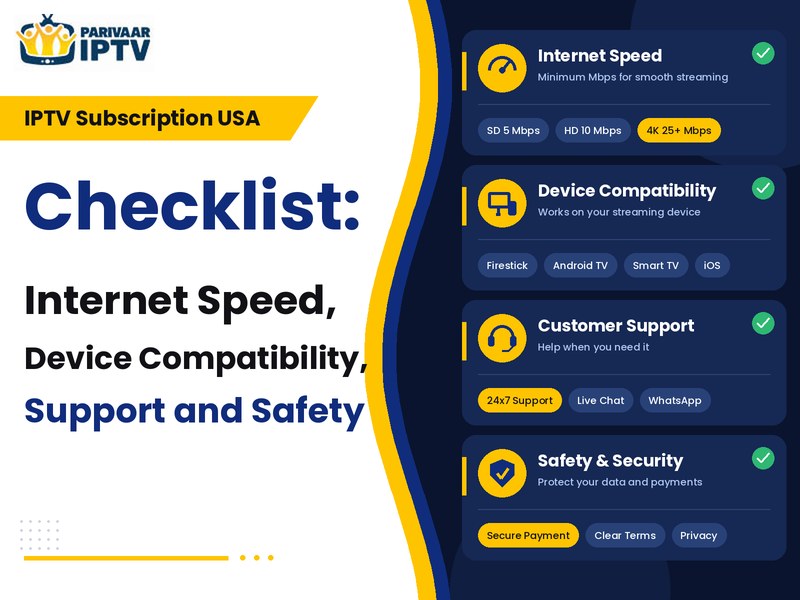
A steady internet connection: As a rough guide, 10 Mbps works for one HD stream and around 25 Mbps is better for 4K. If a few people are watching at the same time or the family is also gaming and video calling, go higher.
A device that can play IPTV: This could be a smart TV, a tablet, a phone or a laptop. Many families also like a dedicated IPTV box because it is simple to use and made just for streaming.
An IPTV provider: This is the company that holds the servers, the channels and the library. A good provider gives you steady streams and real support when something goes wrong.
The Kind of Content You Get
One big reason families switch is the huge range of content. A good IPTV service usually covers genres like:
- News from around the world
- Movies in many languages
- Drama and soap series
- Kids and cartoon shows
- Music and entertainment
- Religious and devotional shows
- Cooking and lifestyle
- Documentaries and learning
- Regional channels
For families living far from their home country this is a big deal. You can find shows in your own language and also keep up with what the rest of the household enjoys.
IPTV vs Cable and Satellite
Cable and satellite both depend on physical equipment. Cable needs wires going into your home and satellite needs a dish pointed at the sky. Bad weather or a broken line can knock your picture out.
IPTV only needs the internet. That brings a few clear benefits.
Less equipment: One small box or an app on your smart TV and you are set.
More control: You pick what to watch and when to watch it instead of following a fixed schedule.
Watch on many screens: Your living room TV, your phone and your tablet can all connect to the same service.
Easier on the wallet: Many IPTV plans cost much less than a regular cable bill with all the extra fees.
Cable still works fine for some people, but if you want flexibility, IPTV is hard to beat.
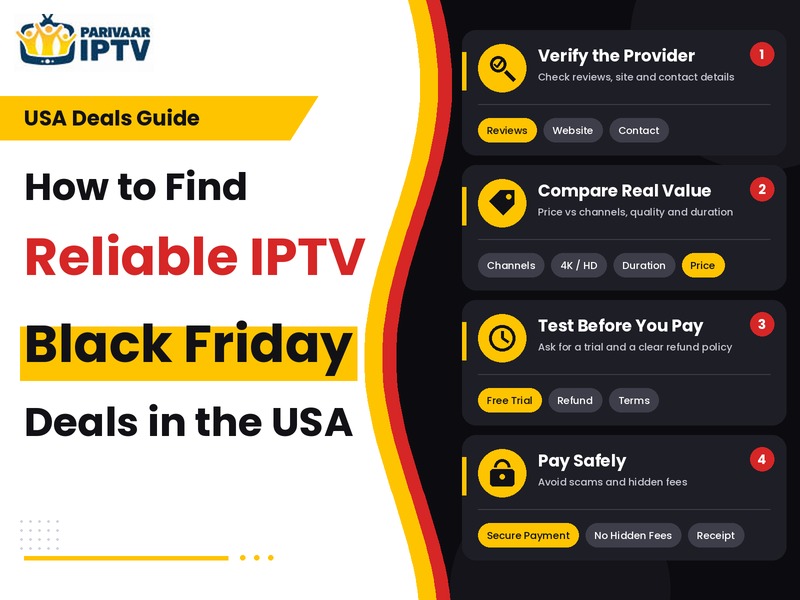
Also Read – How to Find Reliable IPTV Black Friday Deals in the USA
Why Buffering Happens and How to Fix It?
Since IPTV runs on the internet, a weak connection is the most common reason for trouble. If a stream keeps freezing here are some easy things to try.
Restart your router: It sounds basic but it clears a lot of small problems.
Use a wired connection: An ethernet cable is steadier than wifi, especially for 4K.
Move closer to the router: Walls and distance can weaken wifi a lot.
Close other heavy apps: Downloads and video calls eat up bandwidth.
Check your speed: If your plan is too slow for the quality you want, drop the stream quality or upgrade your plan.
Most buffering is a home internet issue and not a problem with IPTV itself.
How Parivaar IPTV Fits In?
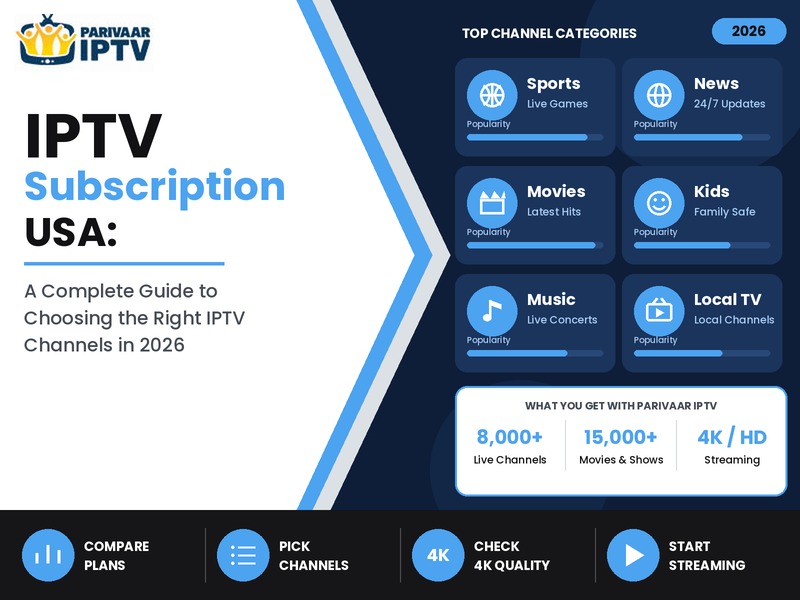
Now that you understand how does IPTV work, the next question is who should send it to you. Parivaar IPTV is made for families in the USA who want a big mix of entertainment in one place. You get 8000+ channels and 15,000+ on demand shows, all in HD and 4K quality. The plans run month to month so there is no heavy long term commitment, and the support team is there when you need help with setup or anything else.
Whether you are a household with kids, grandparents or a mix of everybody, there is something for each person to watch. And since everything runs through your internet, you can start streaming on the device you already have.
Understanding How IPTV Works Before You Subscribe
At the end of the day IPTV is not complicated. The content gets collected, squeezed into small files, stored on servers and sent over the internet to your device where it plays like normal TV.
Once you see how does IPTV streaming work, picking a service gets a lot easier because you know what to look for. Check your internet speed, pick a device that suits your home and choose a provider with a good library and real support. Do that and you will get a smooth TV experience without the mess of cables and dishes.