
Picking an IPTV box for your home in the USA does not have to be confusing. Parivaar IPTV sells four IPTV set top box options, the MAG544W3, MAG540W3, MAG555 and UNIPRO 4.0. Each one fits a different budget and a different way of watching TV. This guide covers pricing, what makes each box different, and what actually matters when you are choosing one.
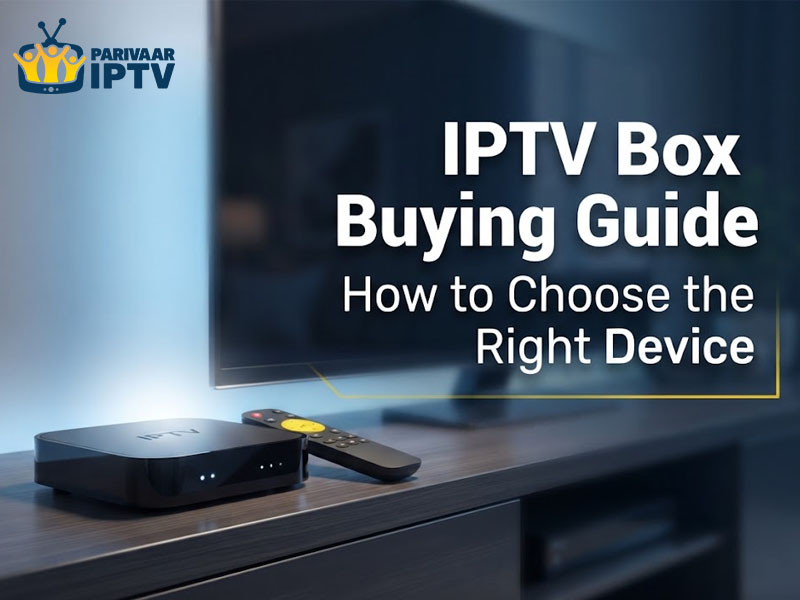
Random streaming sticks are not built for live IPTV. They buffer, they lag and the menus are not made for flipping through channels the way you would on regular cable. An IPTV box is made for exactly that job. It plugs into your TV through HDMI and gives you an interface built around watching live channels, not just apps.
If you already have an IPTV subscription, a proper box makes the whole thing feel a lot closer to normal cable, minus the huge monthly bill and the cable box rental fee. Picking the right one just comes down to your budget, whether you want Linux or Android, and how good you want the picture to look.
What IPTV Box Prices Look Like in the USA?
Most IPTV set top box prices in the USA land somewhere between eighty and one fifty dollars. Basic Linux boxes stay closer to the lower end because they are stripped down and built to do one job well. Android boxes usually cost more since they can run extra apps and do more outside of just streaming your channels.
More expensive does not automatically mean better for you though. If all you care about is stable streaming and easy navigation, a cheaper Linux box might actually be the smarter buy compared to an Android box full of features you never touch.
MAG544W3 IPTV Box USA
Linux based MAG544W3 gives you a good mix of price and performance. It runs on the Amlogic S905Y4 chipset with a quad core ARM Cortex A35 processor so channels load fast and nothing freezes up on you. This is a Linux box so it boots quickly and skips all the extra clutter you get on Android. It also plays in full 4K so if your TV is newer, the picture actually looks the way it should. Out of all the IPTV boxes here, this one is a strong pick if you want reliable streaming.
MAG540W3 IPTV Set Top Box
If your budget is tighter, the MAG540W3 is probably your box. It uses the same Amlogic S905Y4 chipset and Cortex A35 processor as the MAG544W3 but comes in cheaper. You are still getting solid 4K audio and video, so you are not really missing out much on quality. It is Linux based too, which means setup takes a few minutes and there is nothing complicated about running it. Among the more affordable IPTV set top box choices out there, this one holds up well.
MAG555 IPTV Set Top Box
The MAG555 IPTV box USA is the higher end pick in Parivaar IPTV’s lineup and it earns that spot. Powered by the Google TV operating system, it is based on Android so you get access to way more apps and content beyond your live channels alone. It supports 4K along with HDR, meaning colors look richer and dark or bright scenes come through with more detail. If you want your box to do more than just play your subscription this is the one built for that.
UNIPRO 4.0 IPTV Box USA
The UNIPRO 4.0 rounds things out as another Android powered box, running on an Amlogic Quad Core processor with the Amlogic 905X4 chipset. It handles HD and 4K without slowing down, even if your internet connection is average rather than great. It pairs really well with Wi-Fi connected Android smart TVs too, so you can skip a bunch of extra cables running behind your TV. If a wireless setup matters to you, this is one of the more practical IPTV devices around.
Linux Boxes vs Android Boxes
This question comes up constantly when people shop for an IPTV box USA. Linux boxes, like the MAG540W3 and MAG544W3, are built to do one thing and do it well, stream your channels with a clean simple layout. Nothing extra is running behind the scenes, so they boot faster and rarely glitch. These work great for anyone who just wants their channels playing without messing with settings or extra apps.
Android boxes, like the MAG555 and UNIPRO 4.0, give you more to work with. Since they run Android, you can install apps, browse outside your subscription, and basically use the box as a small entertainment hub instead of just a channel player.
They usually cost a little more and can feel slightly less simple if you are not used to an Android layout. Neither one beats the other overall, it really depends on what you personally want. Here’s a comparison table for all four boxes:
| Box | Type | Chipset / Processor | Resolution | Best For |
| MAG544W3 | Linux | Amlogic S905Y4, Quad Core ARM Cortex A35 | Full 4K | Balanced price and performance |
| MAG540W3 | Linux | Amlogic S905Y4, Quad Core ARM Cortex A35 | Full 4K | Budget friendly buyers |
| MAG555 | Android (Google TV) | Not specified | 4K with HDR | Extra apps and richer visuals |
| UNIPRO 4.0 | Android | Amlogic 905X4, Quad Core | HD and 4K | Wireless setups with smart TVs |
What to Check Before You Buy?
A few things are worth checking before you settle on an IPTV box so you are not disappointed later.
- Resolution support matters especially if you already own a 4K TV. Buying a box that only does HD wastes what your television can actually show.
- Chipset and processor speed decide how smooth the whole thing feels. A slower chip means longer loading and more chances of things freezing up on you.
- Whether you go Linux or Android should match how you actually use your TV. If you barely touch extra apps, paying more for Android does not make much sense.
- Connectivity is another thing to think about. Some boxes run better over Wi-Fi while others are fine wired, so check what fits your home setup.
- Warranty and support get overlooked a lot but they matter. A box is only as good as the help you get if something stops working.
How Long These Boxes Actually Last?
A decent IPTV box USA should hold up for a few years without giving you trouble, as long as you are not putting it through anything rough. Since these devices do not have moving parts like a hard drive, there is not much that wears out over time.
Keeping the box in a spot with decent airflow helps too, since heat buildup is usually what causes performance to drop on any streaming device, not just IPTV boxes. If you take basic care of it, there is no real reason a box like the MAG544W3 or UNIPRO 4.0 should not last you a good while.
Finding the Right Box for Your Home
Picking the best IPTV box really comes down to matching the device to how you watch TV day to day. Want something simple and cheap, go with the MAG540W3. Want a bit more power without spending too much, the MAG544W3 covers that. Want the full Android experience with sharper visuals, the MAG555 is built for that. Care more about a wireless setup, the UNIPRO 4.0 handles that well.
Parivaar IPTV carries all four of these boxes, so you are not left guessing which seller or brand to trust. Whichever one you pick, you are setting your home up with a system that streams smoothly and does not give you constant trouble down the road.