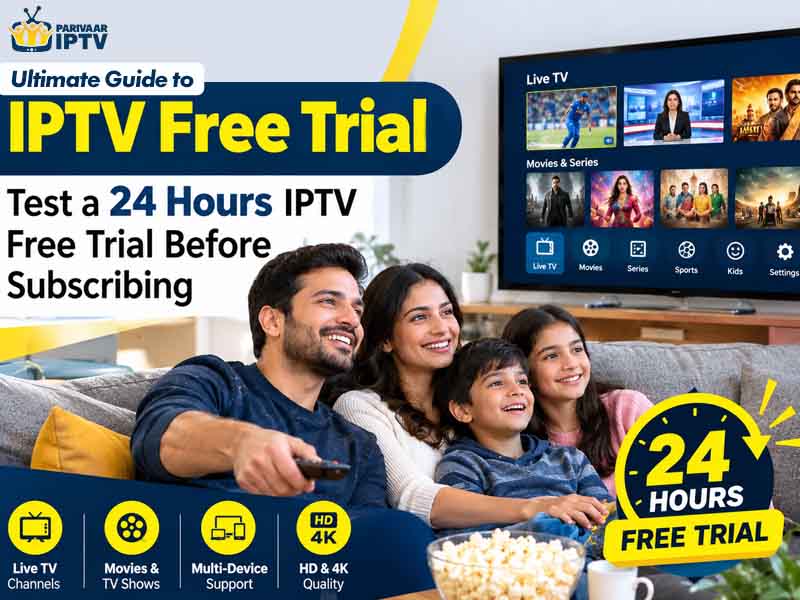
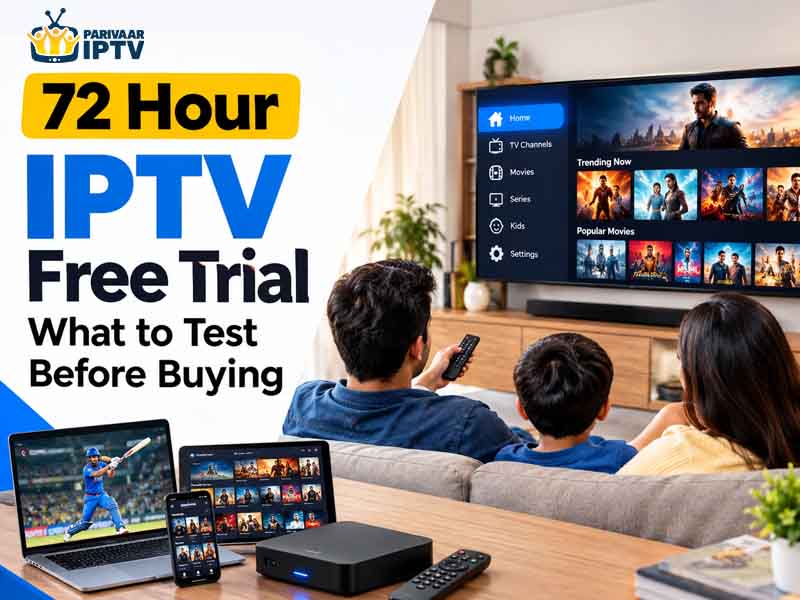
You get 24 hours with an IPTV free trial before you have to pay anything. Don’t waste it. Watch something in the evening when traffic is high, try it on your phone and TV both, poke around the app for a few minutes, and see if support actually answers when you message them. A lot of people blow through their IPTV service free trial in ten minutes flat and then wonder why they’re annoyed a week into their IPTV subscription. Here’s what actually deserves your attention during that window.
Paying for something and then finding out it barely works is annoying, and that’s exactly the situation an IPTV 24 hour free trial is meant to prevent. It’s not just there to get you to hand over your card details eventually. Used right, it tells you almost everything you need to know before you’re committed to anything.
Most people don’t use it right though. They open the app, watch a few minutes of something, and assume it’s good. Then a week in, the same issues that were there on day one start actually bothering them. So here’s a rundown of what’s worth checking.
The Trial Isn’t Just a Formality
Some IPTV service free trial setups aren’t quite honest. A provider might hold back during the trial period so the free version looks better than it should, and then the paid experience feels different once you’re locked in. Actually testing things stops that from happening to you.
Think of it the way you’d think about test driving before buying a car. Skipping that step never ends well, and a service your whole house is going to rely on daily deserves that same kind of attention before you sign anything.
Streaming Quality Comes First
Put something on in the evening. That’s usually when most people are online at once, so if buffering or picture quality issues are going to show up, that’s when you’ll catch them.
Also flip between a bunch of different channels back to back. Good IPTV providers with free trials let you switch without sitting around waiting on a loading screen. If every switch takes ten seconds to catch up, take note of that.
Bump the quality up too, not just the default setting. Sometimes the lower resolution streams look totally fine but the moment you push for something sharper, cracks start showing.
Try It On More Than One Screen
Nobody in a house watches off just one device. Somebody wants the TV, somebody else has their phone, there’s probably a tablet floating around too. Log into all of them during your trial and actually compare how each performs.
It’s common for a service to run great on a smart TV app but feel sluggish on a phone. You’d never catch that unless you actually checked both.
Notice Whether the App Is a Pain to Use
Spend a few minutes actually browsing around instead of just hitting play once. Are things organized in a way that makes sense? Does the search function actually work fast or does it just sit there loading?
This one gets overlooked a lot but it’s honestly one of the bigger things. You’re not only checking whether the streams work, you’re checking whether using this thing daily is going to be enjoyable or a chore. If it’s already annoying during a free trial then paying for it won’t fix that feeling.
Push It During Busy Hours
Late evening tends to be peak traffic for most streaming platforms. Watching then tells you whether the service can actually hold up under real conditions instead of just performing well when nobody else is online.
If things start slowing down specifically around that time, and your household mostly watches in the evening anyway, that’s a pretty important thing to know before committing.
If You’re Buying a Box, Test That Too
Going the buy IPTV box free trial route instead of sticking to an app? Don’t skip testing the actual hardware. Check how easily it connects to your television and whether the remote feels responsive or delayed.
A lot of people like boxes specifically because it feels closer to old school cable. If that’s the appeal for you, actually run it like you would on a normal night, not just a quick five minute check.
Message Support Before You Need To
It might not occur to you to contact support during a free trial, but it’s a smart move anyway. Send them something simple and see how fast they respond. This gives you a decent preview of what dealing with an actual issue later will feel like.
Quick, useful replies during your trial usually mean support will hold up once you’re an actual paying customer. Radio silence for a day is worth remembering too.
Figure Out What Your Household Actually Cares About
Every house wants something a little different out of this. Maybe your priority is having a wide variety of content available. Maybe it’s mostly about things not lagging when everyone’s home in the evening. Maybe it’s really about your parents or grandparents being able to use it without getting confused.
Use the trial to figure that part out, not just to confirm the app opens and plays something.
Deciding Once the Trial Ends
Not all free trials of IPTV actually give you the full picture, so it helps to know you tested the real thing. Once your 24 hours are up, you should have a pretty clear read on things. Smooth streams, an app that didn’t annoy you, support that responded fast, and solid performance across your devices, that combination usually means it’s worth paying for.
If problems keep popping up the whole time instead, don’t ignore that. Those same issues aren’t likely to disappear just because you started paying.
Parivaar IPTV runs an actual 24 hour free trial for exactly this reason, so people can go through all of this before spending anything. Use the time properly and you’ll know exactly what you’re getting into.